
Fewer location errors
Reduce mistakes from manually typing LSDs, NTS references, UWIs, addresses, or GPS coordinates.
Oilfield mapping integration for business software
PartnerLink lets your dispatch, ticketing, field service, fleet, or customer app send users directly into OilTrails with the exact location they need. Pass coordinates, LSDs, NTS references, UWIs, addresses, or site names, and OilTrails handles oilfield mapping, search, routing, weather, and well-data context.
What PartnerLink Does
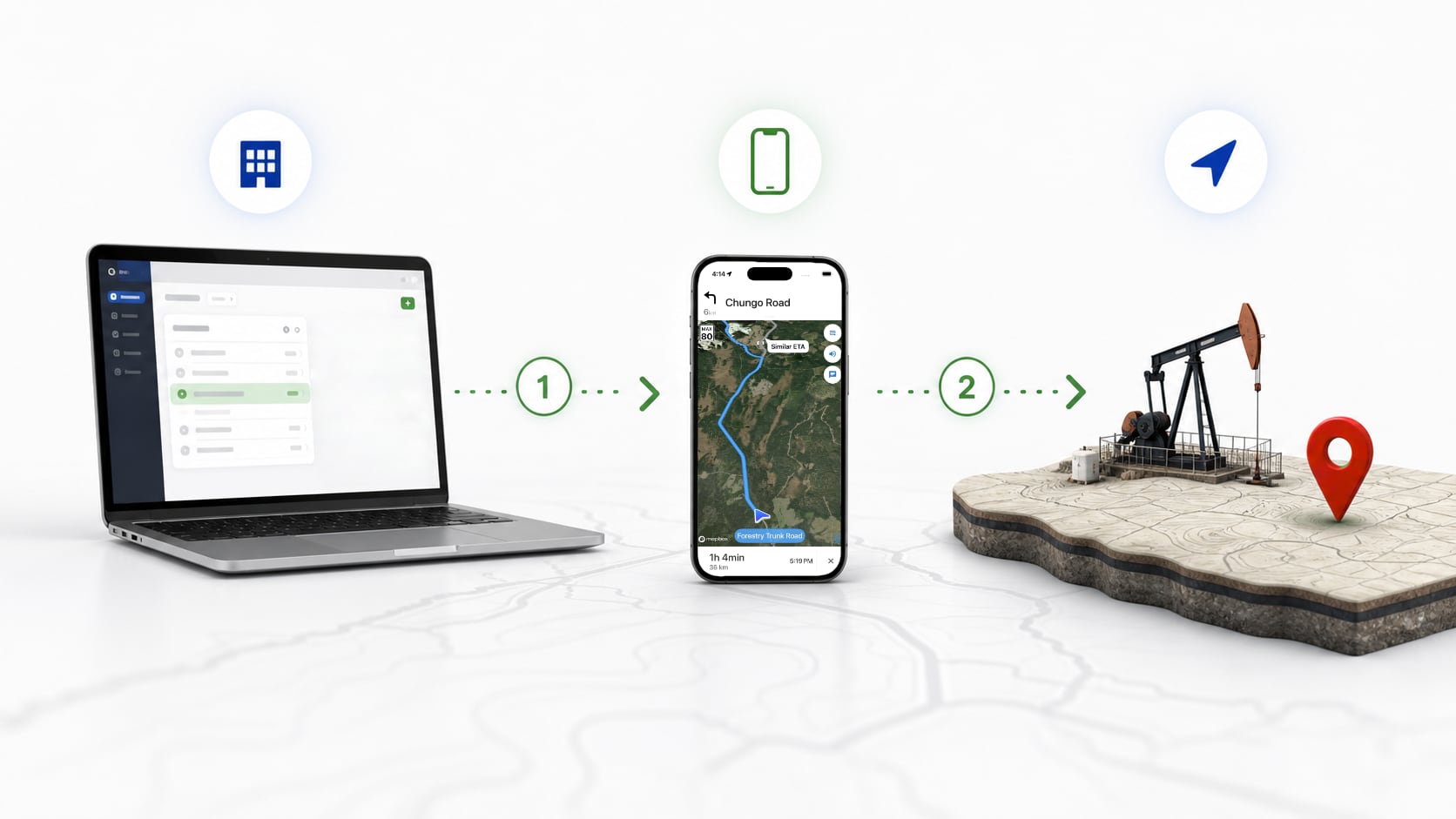
PartnerLink connects your business workflow to OilTrails. When a user taps "Open in OilTrails" inside your app, OilTrails opens directly to the destination or route your system provided. Your app keeps control of the customer workflow. OilTrails handles the field navigation experience.
Use the location data, job details, or ticket context your system already stores.
The handoff feels like a normal business workflow, not a separate lookup task.
Users get routing, weather, well context, and oilfield location lookup where available.
Why Businesses Use It
Reduce mistakes from manually typing LSDs, NTS references, UWIs, addresses, or GPS coordinates.
Save time for drivers, operators, dispatchers, and field staff with a one-tap workflow.
Keep users inside the process your app already owns while OilTrails handles field navigation.
Give users useful location context without requiring an OilTrails account or subscription for PartnerLink launches.
Flexible Location Payloads
PartnerLink works with precise coordinates, searchable location text, or both. Send latitude and longitude when available, or pass an LSD, NTS reference, UWI, address, site name, or ticket location and let OilTrails handle the lookup.
This gives API-driven oilfield software a practical path to better LSD data, NTS mapping, field routing, and business-ready navigation without replacing the system your team already uses.
Example inputs
05-21-042-08W4103/11-10-051-3W4/0052.432473, -114.375374Battery Site 14123 Field Road, Albertaticket_12345Use exact coordinates when you have them. Use searchable location text when you do not.
Focused PartnerLink Mode
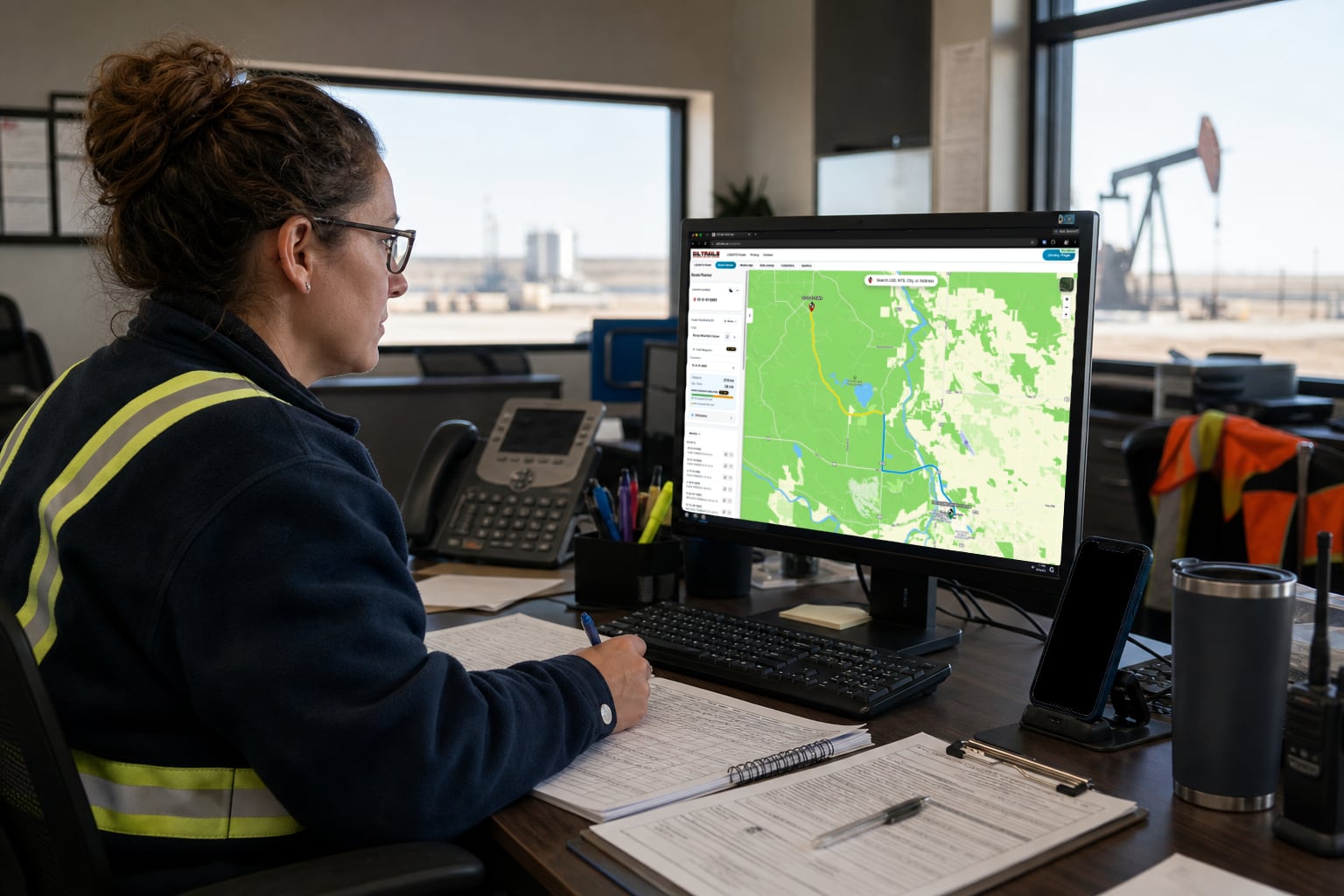
PartnerLink mode keeps users focused on the job. Instead of opening the full OilTrails platform, users are taken to the destination and information needed for that workflow. This reduces distraction, keeps the experience simple, and helps users get to the right place faster.
What Users Get
Where PartnerLink Fits
Easy to Implement
Adding PartnerLink is straightforward. Your system creates a secure link with the destination details, places it behind an "Open in OilTrails" button, and OilTrails does the rest.
Security and Trust
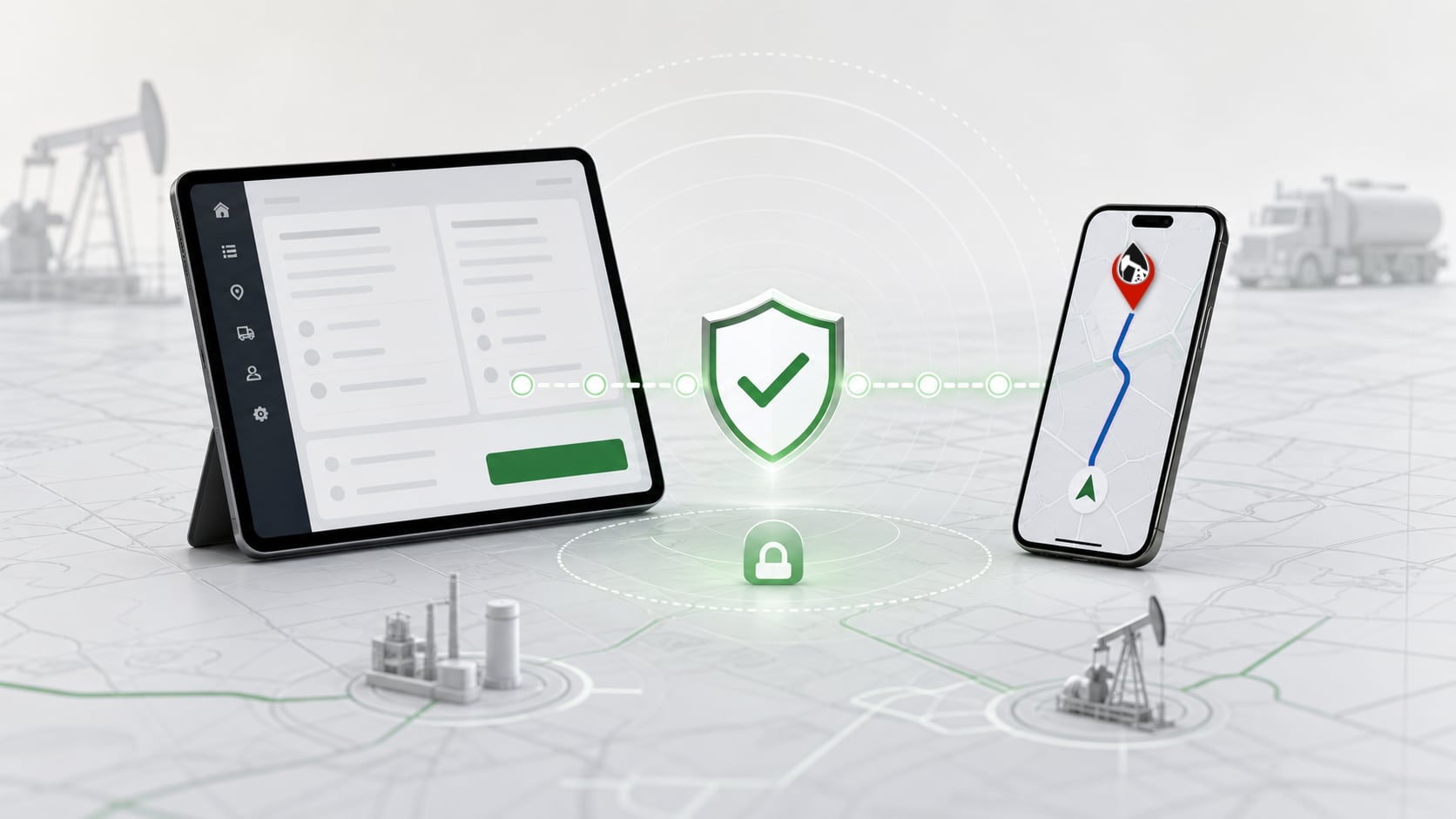
PartnerLink uses signed links so OilTrails can verify that each launch came from a trusted partner. Payloads can include your company, location name, external ticket ID, launch mode, and destination details.
The result is a controlled business integration: simple for users, practical for developers, and clear for partners who need reliable field mapping and LSD data handoff.
PartnerLink for Oilfield Business Software