About OilTrails PartnerLink
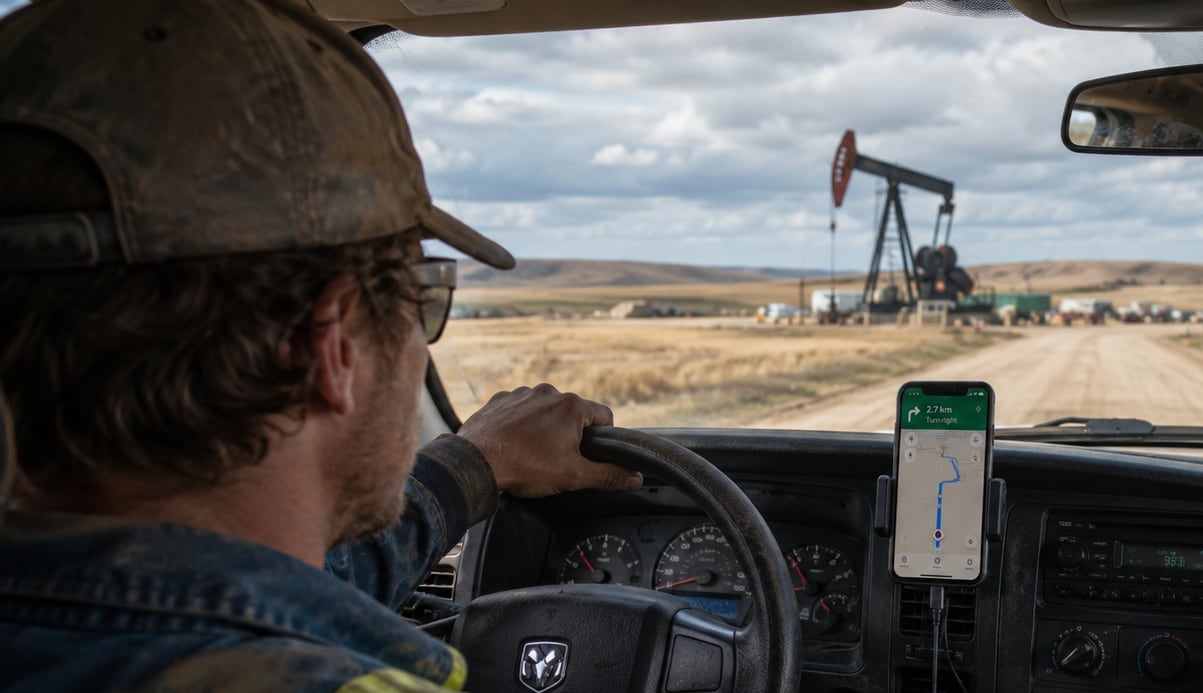
About OilTrails PartnerLink
PartnerLink allows another service or application to open a location directly in OilTrails. Instead of manually entering an LSD, NTS, UWI, or GPS coordinate, the location is automatically sent to OilTrails and displayed for you.
The goal is simple: get you to the right location as quickly as possible.
When OilTrails is opened through PartnerLink, some features are intentionally limited. This mode is designed for navigating to a specific location provided by a trusted partner, rather than exploring the full OilTrails platform.
As a result, features such as:
- General location searches
- Additional mapping tools
- GeoPics
- Saved locations
- Other advanced OilTrails features
may not be available while using PartnerLink.
Do I Need a Subscription?
No. PartnerLink locations can be opened without an OilTrails subscription. Simply install the OilTrails app and open the link provided by your partner.
Want Full OilTrails Access?
PartnerLink is intended for single-location navigation. If you’d like access to the complete OilTrails experience, including location search, well data, weather, GeoPics, saved locations, offline tools, and more, you can force quit the OilTrails app and reopen it without using a PartnerLink. This will give you options to subscribe to OilTrails. Additionally you can visit OilTrails.ca to learn about our subscription plans and features.
About OilTrails
OilTrails is Canada’s leading oilfield navigation platform, helping users locate and navigate to oil and gas sites across Western Canada.
OilTrails supports:
- LSD and NTS locations
- UWI and well lookups
- GPS coordinates
- Well data
- Lease-specific weather
- Route planning
- Field photography with GeoPics
- Offline navigation tools
To learn more, visit OilTrails.ca.