How Route Surface Breakdown Helps You Plan Before You Drive
A route is more useful when you understand what kind of roads make up the trip.
June 16, 2026
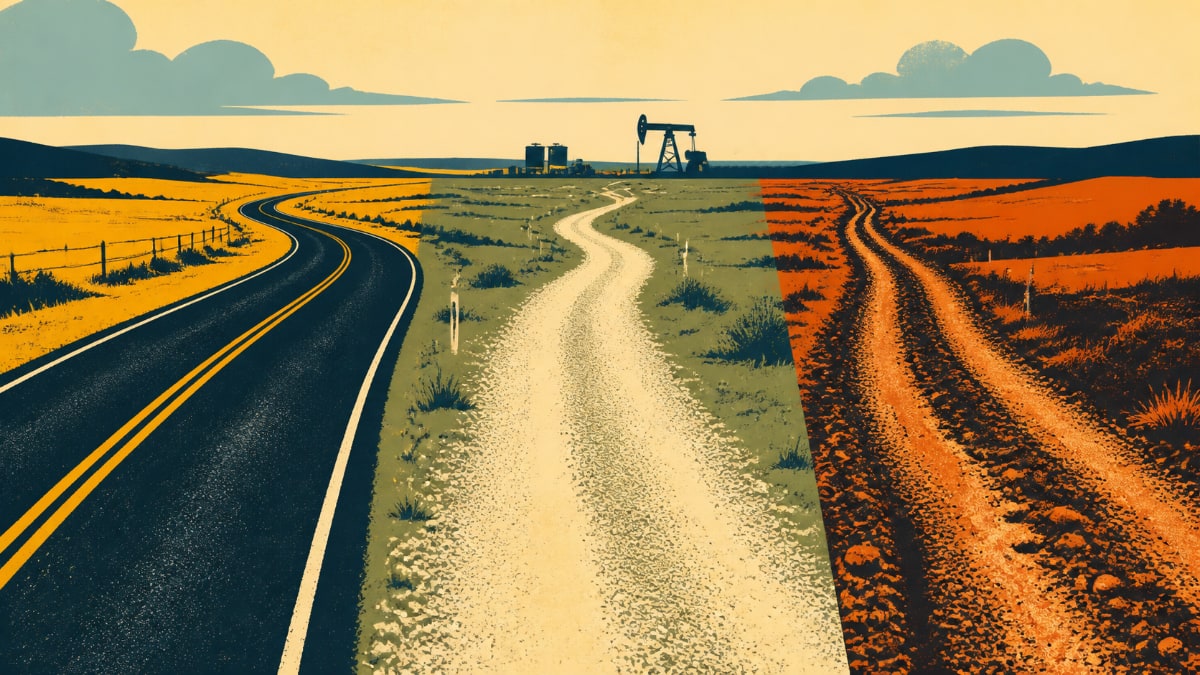
For drivers, supervisors, and dispatchers, how route surface breakdown helps you plan before you drive is a practical workflow issue.
In oilfield work, a route is not just a line on a map. Surface context helps users understand what kind of roads may make up the trip before they commit to it.
The feature matters because it removes repeated friction around remote locations, handoff, route planning, and site context.
For related context, see OilTrails navigation, trip planner, and map layers.
Why Surface Context Matters
A highway run, a gravel range road, and a final lease-road approach all carry different planning questions.
Crews may need to think about timing, weather, truck weight, daylight, and how much uncertainty is in the last few kilometres.
Surface breakdown is planning context, not a guarantee of live road condition or passability. It helps users ask better questions earlier.
What To Look For Before Leaving
Look at how much of the route appears to be major road, secondary road, gravel or rural access, and uncertain surface.
Compare the surface mix with the equipment being moved and the weather around the site.
If the final approach looks uncertain, switch to satellite or terrain before trusting the route.
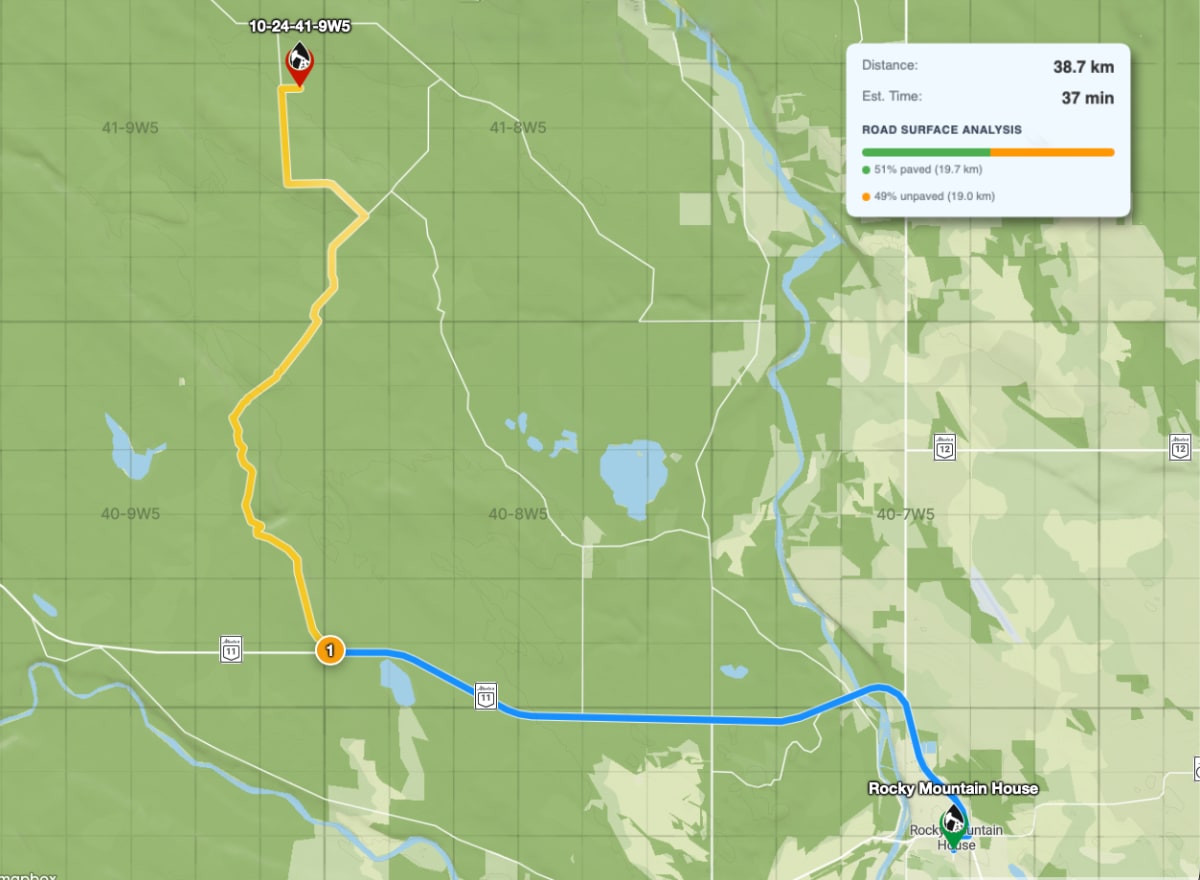
How Dispatch Can Use It
Dispatch can use surface context when comparing possible routes or explaining why a route deserves extra review.
A supervisor can flag a route for a driver before the truck leaves the yard instead of trying to solve it by phone later.
The goal is a cleaner handoff: route, destination, surface context, and the reason for any caution.
A Practical Field Habit
The most useful OilTrails workflows are usually simple enough to repeat under pressure. Search the location, review the map, add the route context that matters, and make sure the person doing the work receives something they can trust.
A route is more useful when you understand what kind of roads make up the trip. In practice, that means using the feature as one more way to reduce uncertainty before the work reaches the field. It does not replace local knowledge, current field conditions, or company procedures. It gives users better context before they commit time, fuel, equipment, or another worker’s day to a route or location.
Key Takeaways
- Use surface breakdown as an early warning tool.
- Pair it with satellite, terrain, and weather checks.
- Avoid treating any map surface label as live road-condition certainty.
Explore OilTrails route planning at oiltrails.ca/navigation.