Building a Real Field Route With Waypoints
Oilfield days rarely move in a clean A-to-B line.
June 22, 2026
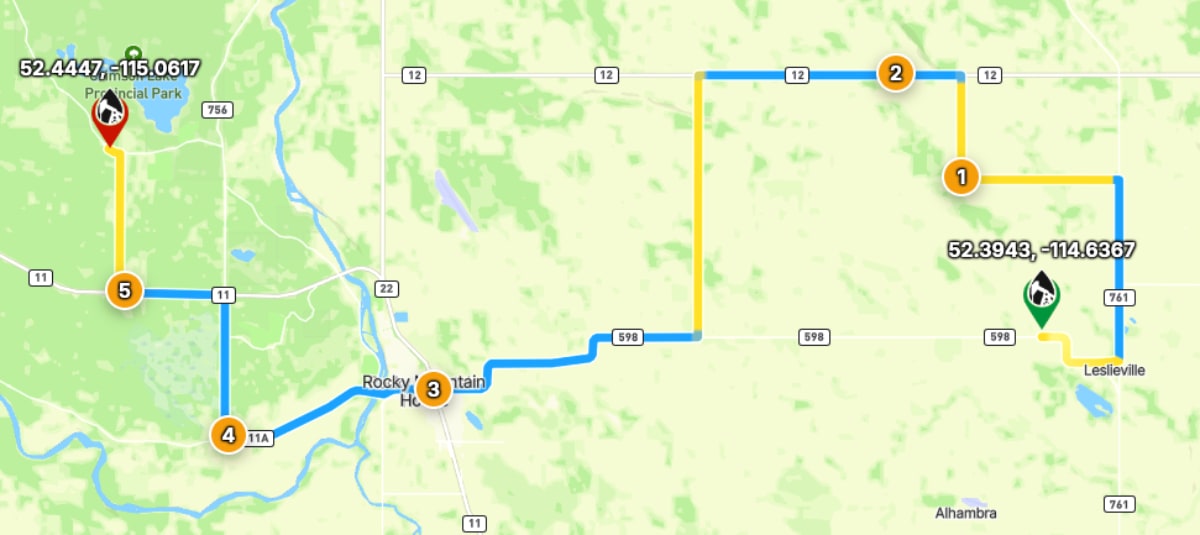
For drivers, coordinators, and dispatchers, building a real field route with waypoints is a practical workflow issue.
In oilfield work, real field days involve yards, road bans, batteries, disposal sites, second leases, and last-minute changes.
The feature matters because it removes repeated friction around remote locations, handoff, route planning, and site context.
For related context, see navigation tools.
Start With The Day, Not Just The Destination
Before building the route, list the real stops in the order they might happen.
Include the yard, pickup point, job site, disposal or unload location, and any planned return stop.
That route should reflect how the work will actually unfold, not just the final destination.
Add, Move, And Reorder Stops
Waypoints let users add the stops between origin and destination.
If the day changes, reorder the stops instead of rebuilding the route from scratch.
If the plan reverses, route flipping can turn a return trip into a useful starting point.
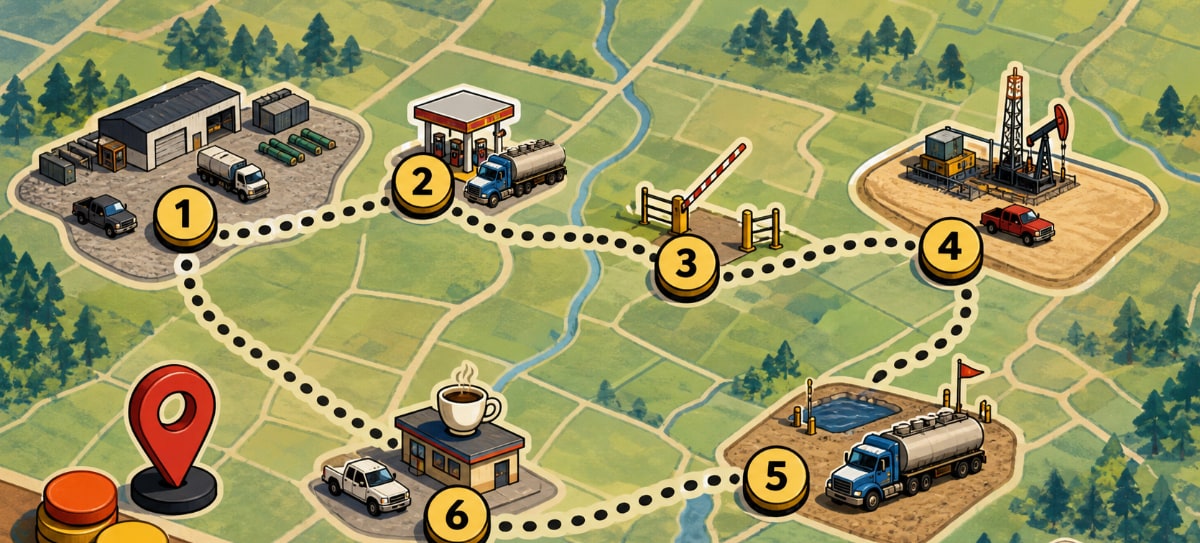
Use Pins When The Stop Is Not A Perfect Address
Field stops often arrive as an approximate map location, not a formal address.
Dropping a pin lets users turn a map point into a usable route stop.
That is useful for gates, approaches, staging areas, or locations that are easier to identify visually than by name.
A Practical Field Habit
The most useful OilTrails workflows are usually simple enough to repeat under pressure. Search the location, review the map, add the route context that matters, and make sure the person doing the work receives something they can trust.
Oilfield days rarely move in a clean A-to-B line. In practice, that means using the feature as one more way to reduce uncertainty before the work reaches the field. It does not replace local knowledge, current field conditions, or company procedures. It gives users better context before they commit time, fuel, equipment, or another worker’s day to a route or location.
Key Takeaways
- Build routes around real work sequences.
- Reorder stops when priorities change.
- Preview the route before navigation so the stop order makes sense.
Plan a multi-stop field route with the OilTrails Route Planner.