Send a Route From the Office to the Truck
Cleaner route handoff means less retyping and fewer location mistakes.
June 30, 2026
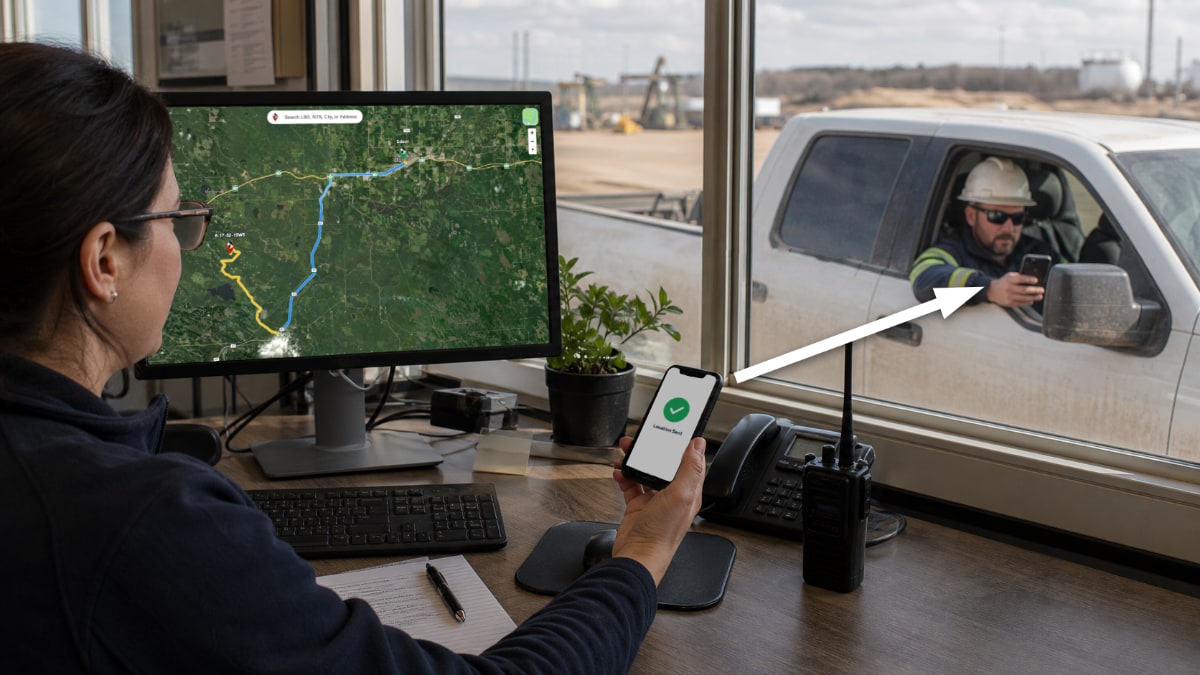
For dispatchers, coordinators, supervisors, and field workers, send a route from the office to the truck is a practical workflow issue.
In oilfield work, the person who builds the route is not always the person who drives it.
The feature matters because it removes repeated friction around remote locations, handoff, route planning, and site context.
For related context, see the OilTrails navigation platform.
The Old Handoff Problem
A dispatcher builds the route, then copies a legal land description into a text, reads directions over the phone, or sends a screenshot.
Each manual step creates another place for mistakes: wrong LSD, missing waypoint, unclear approach, or no context for the driver.
Route sharing is meant to reduce that translation work.
What A Shared Route Carries
A route link can carry the planned destination and the shape of the route.
It gives the receiving user something to open and review instead of rebuilding the route manually.
That makes the handoff more useful for multi-stop days and remote destinations.
When To Use Links Instead Of PDFs
Use a link when the receiver is working on a phone and can open the route digitally.
Use printed or PDF directions when the job package needs a durable backup or the route needs to travel with paperwork.
In many workflows, both are useful: a digital route for navigation and a printed backup for the file.
A Practical Field Habit
The most useful OilTrails workflows are usually simple enough to repeat under pressure. Search the location, review the map, add the route context that matters, and make sure the person doing the work receives something they can trust.
Cleaner route handoff means less retyping and fewer location mistakes. In practice, that means using the feature as one more way to reduce uncertainty before the work reaches the field. It does not replace local knowledge, current field conditions, or company procedures. It gives users better context before they commit time, fuel, equipment, or another worker’s day to a route or location.
Key Takeaways
- Share routes when office planning and field driving are split.
- Use route links to reduce manual location entry.
- Keep PDF or print backups for low-service or paperwork-heavy jobs.
Build and share routes from the OilTrails Web App.