Planning Around Lease-Specific Weather
Weather context is most useful when it is tied to the location you are actually visiting.
July 13, 2026
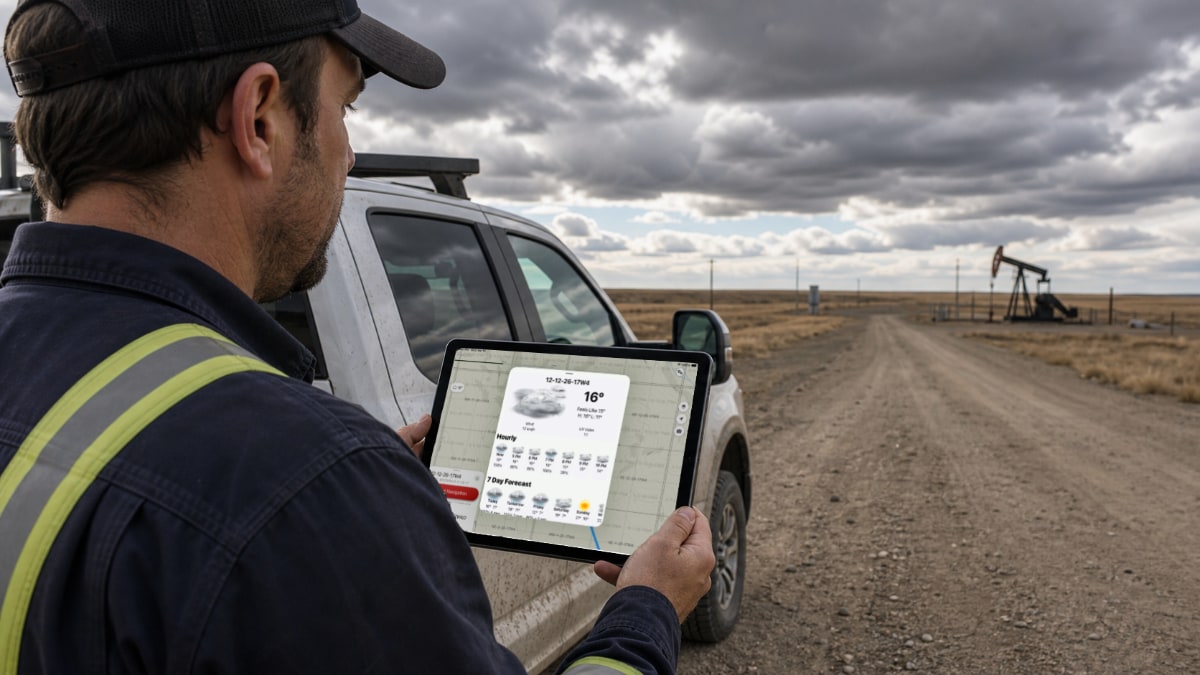
For field users, dispatchers, supervisors, and safety teams, planning around lease-specific weather is a practical workflow issue.
In oilfield work, weather can change the practical value of a route even when the destination has not moved.
The feature matters because it removes repeated friction around remote locations, handoff, route planning, and site context.
For related context, see trip planner, map layers, and navigation.
Why Location-Specific Weather Matters
A general town forecast may not describe the lease you are driving to.
Rain, snow, wind, freezing temperatures, and visibility can all affect timing and route decisions.
OilTrails weather context helps users think about the destination area, not just the nearest city.
Use Weather With Other Context
Weather should be paired with route surface breakdown, satellite checks, terrain, and local judgment.
A forecast can inform planning, but it does not guarantee road passability.
The practical question is whether the route deserves extra review before the truck moves.
Dispatch And Safety Uses
Dispatchers can look at weather before assigning or timing work.
Supervisors can use it when discussing whether a route should be delayed, changed, or checked locally.
Field users can review conditions before starting navigation.
A Practical Field Habit
The most useful OilTrails workflows are usually simple enough to repeat under pressure. Search the location, review the map, add the route context that matters, and make sure the person doing the work receives something they can trust.
Weather context is most useful when it is tied to the location you are actually visiting. In practice, that means using the feature as one more way to reduce uncertainty before the work reaches the field. It does not replace local knowledge, current field conditions, or company procedures. It gives users better context before they commit time, fuel, equipment, or another worker’s day to a route or location.
Key Takeaways
- Check weather near the selected site.
- Do not treat weather as live road-condition certainty.
- Use weather alongside surface, satellite, and terrain context.
Review routes and site context in the OilTrails Trip Planner.